Use Case #4: Agents Creating Agents
How I asked Claude to create a bug-fixing system, and it designed a self-modifying architecture that spawns specialized agents.
William Welsh
Author
Use Case #4: Agents Creating Agents
I wanted to automate bug fixing. What I got was a system that creates automation.
The Original Ask
"I want you to create a subagent that will basically do the following: review slack comments, analyze the codebase, fix bugs, commit, deploy, test, repeat until done."
Simple enough, right?
What Claude Did Instead
Instead of creating one monolithic agent, Claude designed an architecture:
The Orchestrator - A central agent that receives bug reports from any source (Slack, GitHub, manual), assesses complexity (1-10 scale), routes to specialized agents, and tracks progress until resolution.
Specialized Agents - bug-analyzer (traces root causes, full autonomy), code-fixer (implements changes, confirms approach), test-runner (verifies fixes, full autonomy), deploy-agent (handles deployment, full autonomy), slack-responder (updates stakeholders, template-based).
The Meta Part - The orchestrator can spawn new agents. If it encounters a bug type it hasn't seen before, it analyzes the pattern, designs a specialized handler, writes the agent definition, and registers it for future use.
I didn't ask for this. Claude decided the system should evolve.
Watching It Work
First bug: Standard formatting issue. The code-fixer agent handled it. 10 minutes.
Second bug: Database schema mismatch. New pattern. The orchestrator recognized it didn't have a database specialist, created schema-fixer agent, defined its tools (Supabase MCP, migration generators), used it to fix the bug, and saved it for next time.
Third bug: Another schema issue. The schema-fixer agent handled it instantly.
The Self-Improvement Loop
After a week, the system had spawned: schema-fixer (database issues), style-enforcer (formatting/lint issues), type-resolver (TypeScript errors), and test-generator (missing test coverage).
Each one started as a response to a bug I didn't anticipate.
What This Means
Traditional automation: You anticipate problems, build solutions.
Meta-automation: You build a system that anticipates problems and builds solutions.
The bug-crusher I asked for is obsolete. The system that replaced it is better than anything I would have designed manually.
Warning
This is powerful but not free. The system consumes more context than a simple script. It needs good documentation to understand itself. And debugging meta-automation requires meta-debugging.
But for complex domains with evolving problems? It's the only way I want to work now.
Try It Yourself
Copy this prompt to explore meta-automation in your own projects:
I want to create a self-improving automation system. Let me describe my domain:

**Setup:**
1. What repetitive task do you want automated? (bug fixing / content generation / testing / other)
2. What tools/systems are involved? (Slack, GitHub, Supabase, etc.)
3. How much autonomy should agents have? (confirm each action / autonomous within limits / full autonomy)

Once you describe your use case, I will:
- Design an orchestrator pattern
- Create specialized agents for different subtasks
- Build a system that can spawn new agents for novel situations
- Set up appropriate guardrails and logging

What do you want to automate?
Warning: This approach consumes more context than simple automation. Best for complex, evolving problem domains.
The bug-crusher system was built January 14, 2026. It's still evolving.
William Welsh
Building AI-powered systems and sharing what I learn along the way. Founder at Tech Integration Labs.
Related Articles
View all →Use Case #9: Phoenix Rebuild Pattern
The code was broken beyond repair. But the docs were good. Claude read the original vision, understood what the code was supposed to do, and rebuilt it correctly.

Use Case #1: Autonomous Bug Fixing from Slack
One prompt. Zero babysitting. Claude read bug reports from Slack, traced the issues through my codebase, fixed them, deployed to production, and verified the fixes in a browser.
Use Case #2: Client Onboarding from URL
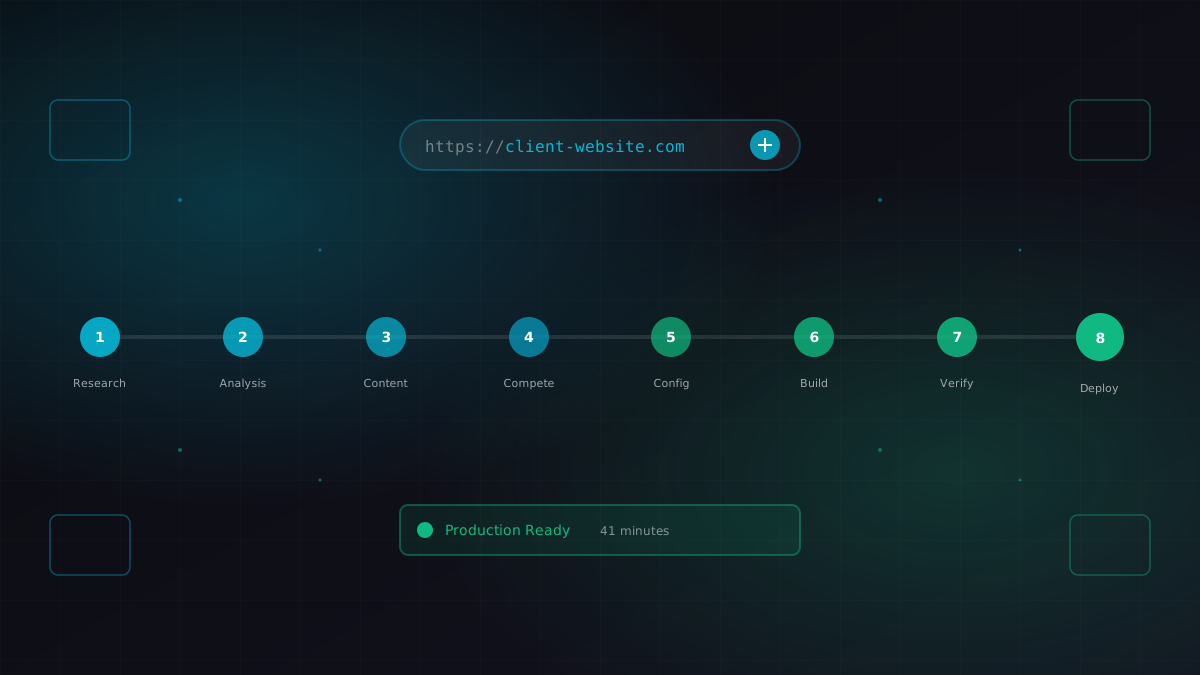
I gave Claude a business URL. It researched the company, scraped their content catalog, identified competitors, extracted brand colors, and generated a fully configured ContentEngine instance.