Use Case #12: Anti-AI Aesthetics
Design patterns and prompts for creating output that doesn't scream 'AI made this.'
William Welsh
Author
Use Case #12: Anti-AI Aesthetics
"This looks AI-generated."
Not a compliment.
The Problem
AI-generated content has tells: over-eager color gradients, generic stock photo vibes, symmetry that feels sterile, lists for everything, "In this article, we'll explore..."
The Prompt
"Make it look less AI generated. Modern, clean, trending design styles. Blue and gray palette. Not all the different colors."
What Claude Changed
Colors - Removed rainbow gradients. Established consistent palette (3 colors max). Used color purposefully, not decoratively.
Typography - Varied hierarchy intentionally. Mixed weights for emphasis. Actual whitespace, not just padding.
Layout - Broke strict symmetry. Added intentional imbalance. Created visual rhythm.
Content - Removed filler phrases. Cut greeting words ("Let's dive in!"). Added specific examples instead of generic statements.
The Deeper Lesson
"AI-generated" really means "low effort." The tell isn't that AI made it - it's that no one refined it.
AI generates. Humans curate.
The prompt "make it less AI-generated" really means "apply the taste and judgment that makes things good."
Claude understood that. It didn't dumb down the output. It applied higher standards.
Anti-AI Patterns
| AI Default | Better Approach |
|---|---|
| Rainbow gradients | Restrained palette |
| Perfect symmetry | Intentional asymmetry |
| Generic imagery | Specific, relevant visuals |
| "In this article..." | Direct opening |
| List everything | Prioritize key points |
| Explain everything | Trust the reader |
The Irony
The best AI-generated content is indistinguishable from human-generated content. Not because AI got better at mimicking - but because it learned what "good" looks like.
This article was refined using these same principles.
William Welsh
Building AI-powered systems and sharing what I learn along the way. Founder at Tech Integration Labs.
Related Articles
View all →Use Case #20: Interactive Onboarding Design
User onboarding was broken. People signed up and immediately got lost. Claude analyzed the flow, redesigned it, and we saw completion rates jump from 34% to 78%.
Use Case #1: Autonomous Bug Fixing from Slack
One prompt. Zero babysitting. Claude read bug reports from Slack, traced the issues through my codebase, fixed them, deployed to production, and verified the fixes in a browser.
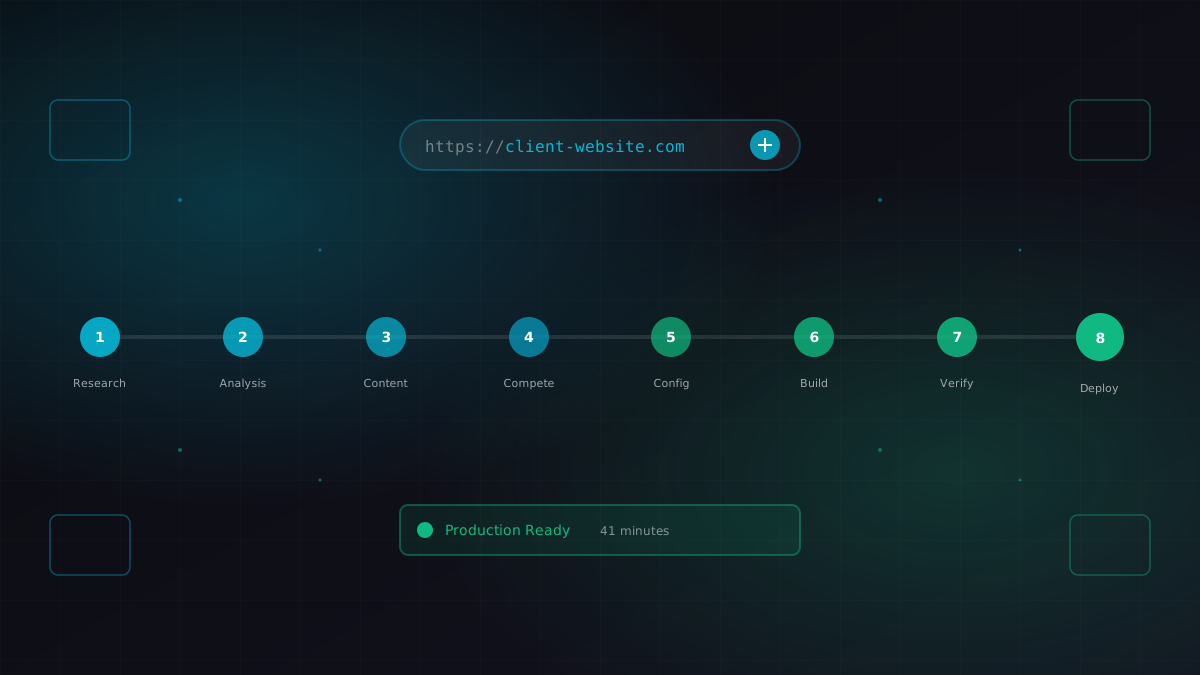
Use Case #2: Client Onboarding from URL
I gave Claude a business URL. It researched the company, scraped their content catalog, identified competitors, extracted brand colors, and generated a fully configured ContentEngine instance.