Use Case #5: Browser QA Loop
Using browser automation for visual testing, bug finding, and iterative fixing until the app actually works.
William Welsh
Author
Use Case #5: Browser QA Loop
I shipped a feature. It worked in dev. It broke in production. Classic.
Instead of debugging blind, I let Claude test it visually.
The Prompt
"There are problems with this explainer. The voice sucks, arrows don't work, animations aren't showing. Use your Chrome extension to test it and see for yourself and fix and improve until it is amazing."
What Claude Did
Phase 1: Visual Audit - Claude took a screenshot, analyzed it, and identified: text cut off at top and bottom (viewport issue), navigation arrows not responding, animations stuck on first frame, wrong voice playing for narration.
Phase 2: Issue Triage - It prioritized: viewport issues (blocking), navigation (breaking), animations (degraded experience), voice (polish).
Phase 3: Fix → Deploy → Verify - For each issue: trace the code causing it, implement fix, commit and push, wait for Netlify deploy, take new screenshot, verify fix worked. The voice issue required regenerating audio files. Claude identified the right voice, updated the generation script, ran it, and replaced the files.
Phase 4: Regression Check - After all fixes, Claude clicked through the entire experience: every slide transition, every navigation path, every animation trigger. Found one more issue: slide 7 had a timing problem. Fixed it. Re-verified.
The Before/After
Before: I would have tested in dev, deployed, gotten bug reports, fixed one thing, deployed again, created new bug, repeat.
After: One session, all issues found and fixed, verified on production.
What Made This Powerful
Visual confirmation beats logs. "The button works" in code doesn't mean the button works for users. Seeing it work is knowing it works.
Iterative verification. Each fix got verified before moving on. No fix chains that break each other.
User perspective. Claude tested like a user would - clicking things, looking at the screen. Not like a developer - checking function calls.
Try It Yourself
Copy this to run a visual QA loop on your own app:
I need you to test my deployed application visually. Here's the setup:

**Application:**
1. What's the URL to test?
2. What features should I test? (list main user flows, or "test everything")
3. What should I look for? (broken UI / missing data / visual bugs / all)
4. Should I fix issues as I find them? (yes / no, just report)

I'll use the Chrome extension to:
- Navigate through each feature
- Take screenshots and analyze what I see
- Identify visual and functional issues
- Prioritize by severity
- Fix each issue (if authorized)
- Verify fixes on the live site
- Run a final regression check

What's the URL?
This was the BizBrain OS explainer page, January 2026.
William Welsh
Building AI-powered systems and sharing what I learn along the way. Founder at Tech Integration Labs.
Related Articles
View all →
Use Case #1: Autonomous Bug Fixing from Slack
One prompt. Zero babysitting. Claude read bug reports from Slack, traced the issues through my codebase, fixed them, deployed to production, and verified the fixes in a browser.
Use Case #26: External SaaS Automation
The client needed Weavy.ai workflows automated. No API. No webhooks. Claude used browser automation to log in, navigate, and perform operations programmatically.
Use Case #2: Client Onboarding from URL
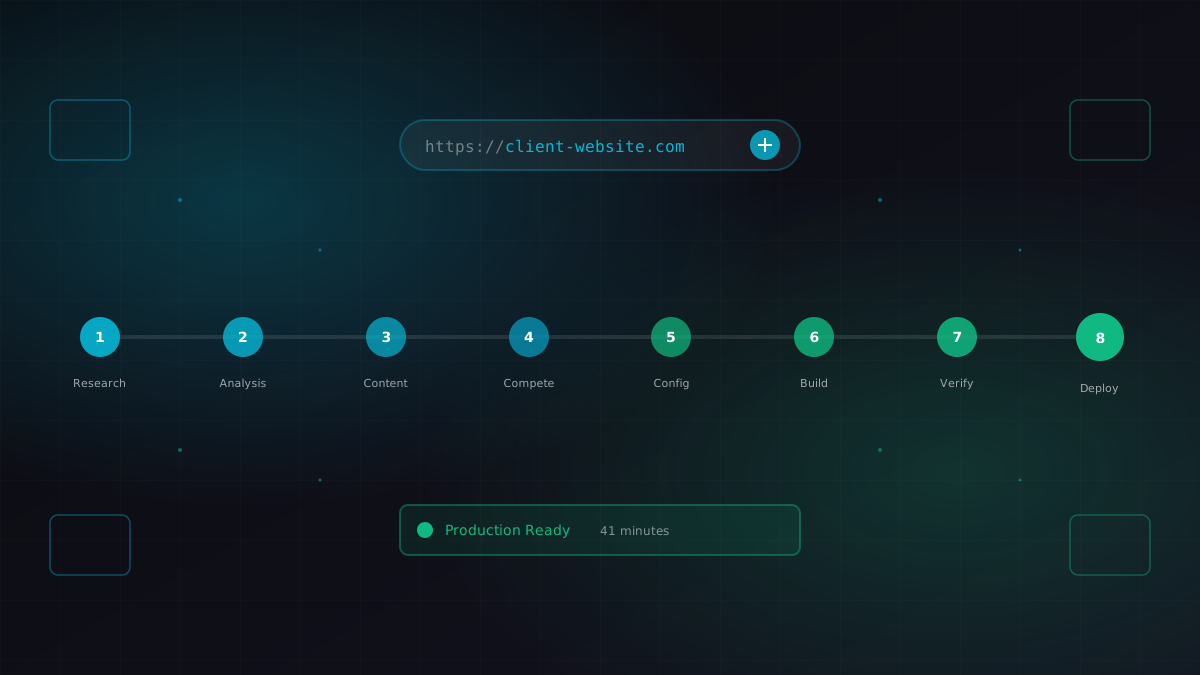
I gave Claude a business URL. It researched the company, scraped their content catalog, identified competitors, extracted brand colors, and generated a fully configured ContentEngine instance.