Use Case #26: External SaaS Automation
Using browser automation to control SaaS tools that lack proper APIs.
William Welsh
Author
Use Case #26: External SaaS Automation
Not every SaaS has an API. Some have limited APIs. Some have APIs that cost extra.
But every SaaS has a browser interface.
The Scenario
Client used Weavy.ai for workflow automation. They needed to create workflows programmatically based on events in their app. Weavy had no public API.
The Solution
Claude-in-Chrome browser automation. If a human can click it, Claude can click it.
The Workflow
Step 1: Authentication - Navigate to login page, enter credentials (stored in environment variables), handle 2FA if needed.
Step 2: Navigation - Click through to the workflow builder. Wait for dynamic elements to load.
Step 3: Workflow Creation - Select template, fill in parameters, configure triggers, set up actions. All through browser interaction.
Step 4: Verification - Read the created workflow back to verify it was created correctly.
Step 5: Documentation - Screenshot the final workflow for records.
The Code Pattern
The automation is driven by natural language. "Go to Weavy, create a new workflow using the 'Customer Onboarding' template, set the trigger to 'new signup', and add an email action."
Claude translates that to clicks, types, and waits.
Limitations
This is fragile. UI changes break automations. Rate limiting is invisible. Session management is tricky.
But when there's no API, it's the only option.
When to Use This
No API exists. API costs more than the time saved. API lacks needed functionality. Quick prototype before requesting API access.
Weavy automation built December 2025. Still running.
William Welsh
Building AI-powered systems and sharing what I learn along the way. Founder at Tech Integration Labs.
Related Articles
View all →
Use Case #1: Autonomous Bug Fixing from Slack
One prompt. Zero babysitting. Claude read bug reports from Slack, traced the issues through my codebase, fixed them, deployed to production, and verified the fixes in a browser.
Use Case #5: Browser QA Loop
I pointed Claude at my deployed app and said "test it." It clicked through every feature, found issues I missed, fixed them, and verified the fixes - all through the browser.
Use Case #2: Client Onboarding from URL
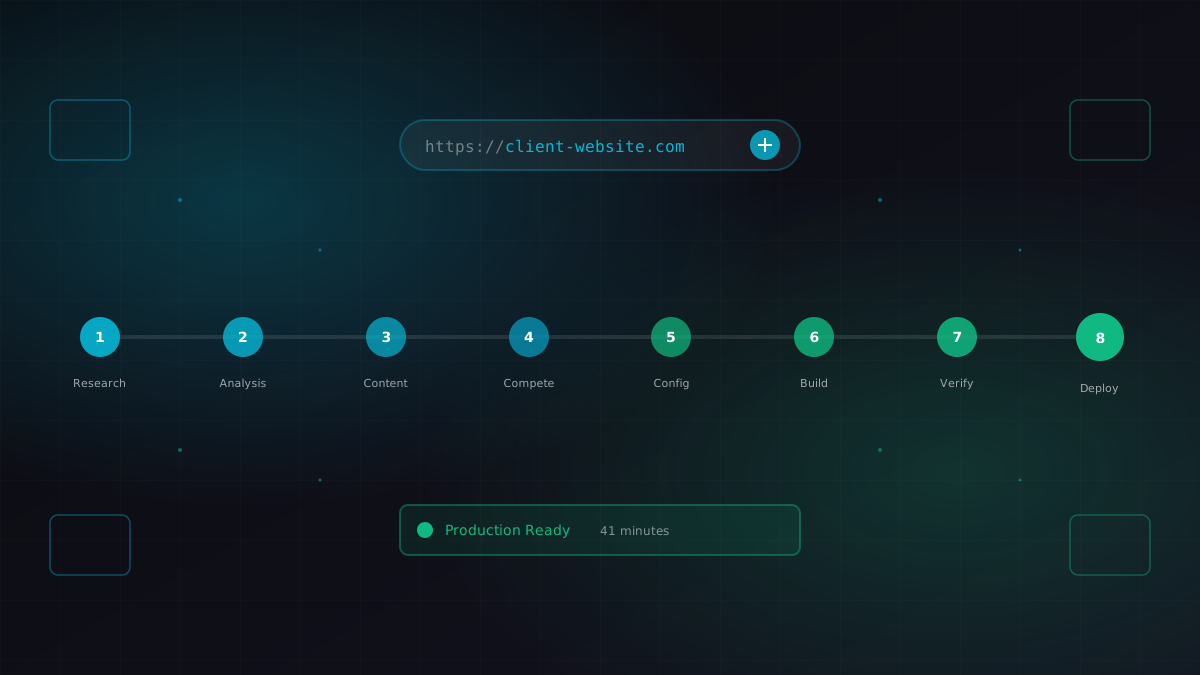
I gave Claude a business URL. It researched the company, scraped their content catalog, identified competitors, extracted brand colors, and generated a fully configured ContentEngine instance.