Use Case #11: Context Window Optimization
Techniques for managing context windows, reducing token usage, and maintaining coherence across long sessions.
William Welsh
Author
Use Case #11: Context Window Optimization
I ran out of context mid-task. Important information lost. Work duplicated. Frustrating.
So I learned to optimize.
The Problem
Context windows have limits. MCPs consume tokens just sitting there. Long conversations hit walls. Sessions compact and lose nuance.
What I Learned
1. MCP Loading is Expensive - Each MCP adds 3K-20K tokens just to exist in context. Having 7 MCPs loaded when you only need 1? Wasted space. Solution: MCP profiles. Load only what's needed.
2. Subprocess Delegation - Need to use an MCP once? Don't load it permanently. Delegate with "/mcp run notion query database X". This spawns a subprocess with Notion loaded, runs the query, returns results, and restores original config. No permanent context cost.
3. Prompt Structure Matters - Bad: "Can you look at the code in the file I mentioned earlier and see if there's a problem with the thing we discussed?" Good: "Fix the auth bug in src/auth/login.ts:45 - the token validation should check expiry before checking signature." Specific prompts use fewer tokens and get better results.
4. Summary Checkpoints - Before hitting context limits, create explicit summaries: "Summarize what we've done so far and the current state." This creates a resumption point that survives compaction.
5. Reference Don't Repeat - Let Claude read what it needs rather than stuffing context with content it already has access to.
Results
| Metric | Before | After |
|---|---|---|
| Average session length | 45 min | 90 min |
| Compaction events | 3-4 per session | 1-2 |
| Information loss | Frequent | Rare |
| MCP token overhead | 60K+ | 15K |
The Meta Lesson
Claude Code is a tool. Tools have constraints. Understanding the constraints lets you work with them instead of against them.
These patterns emerged from 500+ sessions of optimization.
William Welsh
Building AI-powered systems and sharing what I learn along the way. Founder at Tech Integration Labs.
Related Articles
View all →
Use Case #1: Autonomous Bug Fixing from Slack
One prompt. Zero babysitting. Claude read bug reports from Slack, traced the issues through my codebase, fixed them, deployed to production, and verified the fixes in a browser.
Use Case #2: Client Onboarding from URL
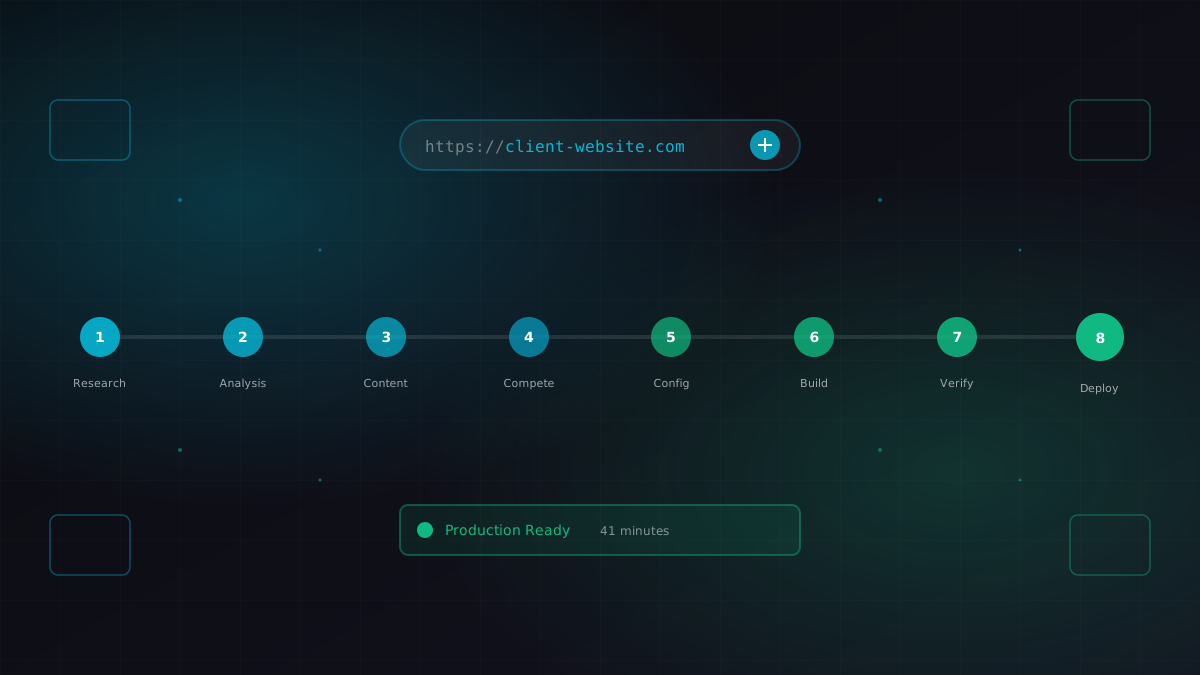
I gave Claude a business URL. It researched the company, scraped their content catalog, identified competitors, extracted brand colors, and generated a fully configured ContentEngine instance.
Use Case #3: Meeting Transcript to Code
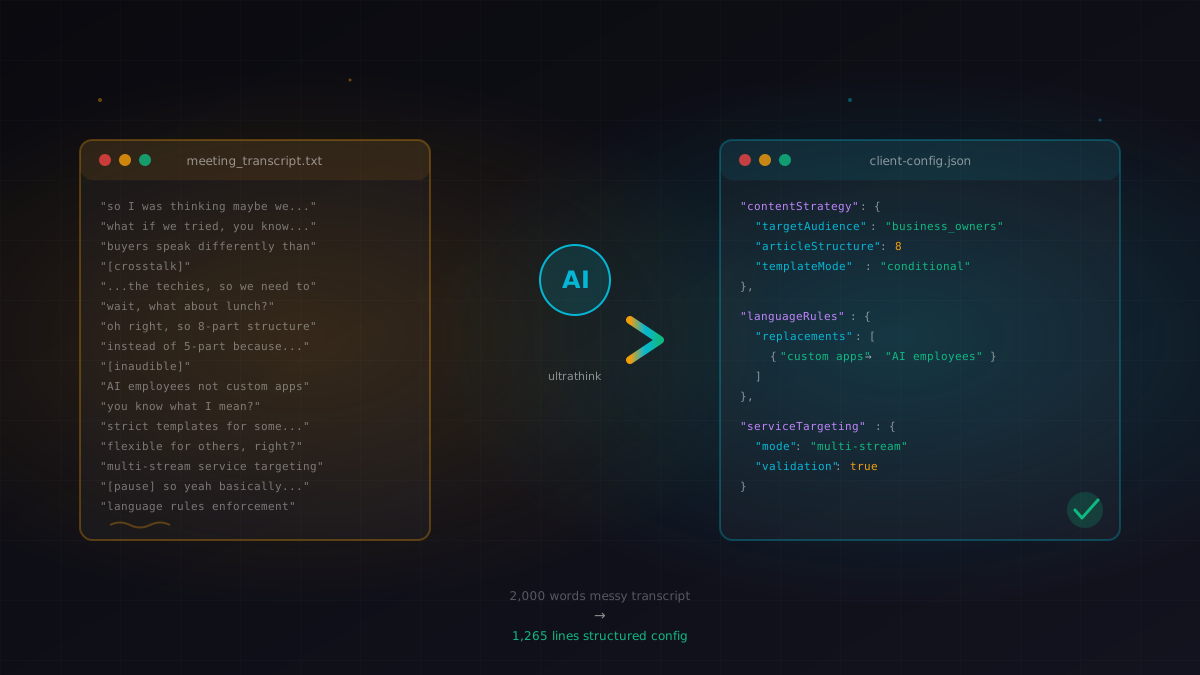
I pasted a 10-minute meeting transcript. Claude extracted the strategy, identified the technical requirements, and modified a 1,265-line config file with conditional content logic.