Use Case #27: Cross-Device Setup
Setting up a complete development environment on a new machine in one session.
William Welsh
Author
Use Case #27: Cross-Device Setup
New laptop day. Usually means 4-6 hours of setup hell.
Not anymore.
The Old Way
Install Node. Install Git. Clone repos. Configure SSH keys. Set up environment variables. Install VS Code extensions. Configure settings. Run into issues. Google solutions. Repeat.
The New Way
One prompt: "Set up this machine for development. I need Node, Git, VS Code with my extensions, all repos cloned, environment variables configured, and everything verified working."
What Claude Did
Tool Installation - Checked what was already installed. Installed only what was missing. Used Homebrew on Mac, appropriate managers on other platforms.
Git Configuration - Set up global config, generated new SSH key, prompted me to add it to GitHub, verified connection.
Repo Cloning - Read repo list from BB1. Cloned all active repos. Installed dependencies for each.
Environment Variables - Pulled from secure storage. Set up local env files. Verified each service connected.
VS Code Setup - Installed extension pack. Copied settings from sync. Verified language servers worked.
Verification - Started each project's dev server. Ran test suites. Confirmed all green.
Time Comparison
| Task | Manual | Automated |
|---|---|---|
| Tools | 45 min | 8 min |
| Git setup | 20 min | 3 min |
| Repos | 30 min | 12 min |
| Env vars | 60 min | 5 min |
| VS Code | 30 min | 4 min |
| Verification | 30 min | 15 min |
| Total | 3.5 hours | 47 min |
The Best Part
It's repeatable. New machine, same prompt, same result. And it's documented - the session transcript shows exactly what was set up.
Setup automation refined over 3 machine migrations.
William Welsh
Building AI-powered systems and sharing what I learn along the way. Founder at Tech Integration Labs.
Related Articles
View all →
Use Case #1: Autonomous Bug Fixing from Slack
One prompt. Zero babysitting. Claude read bug reports from Slack, traced the issues through my codebase, fixed them, deployed to production, and verified the fixes in a browser.
Use Case #2: Client Onboarding from URL
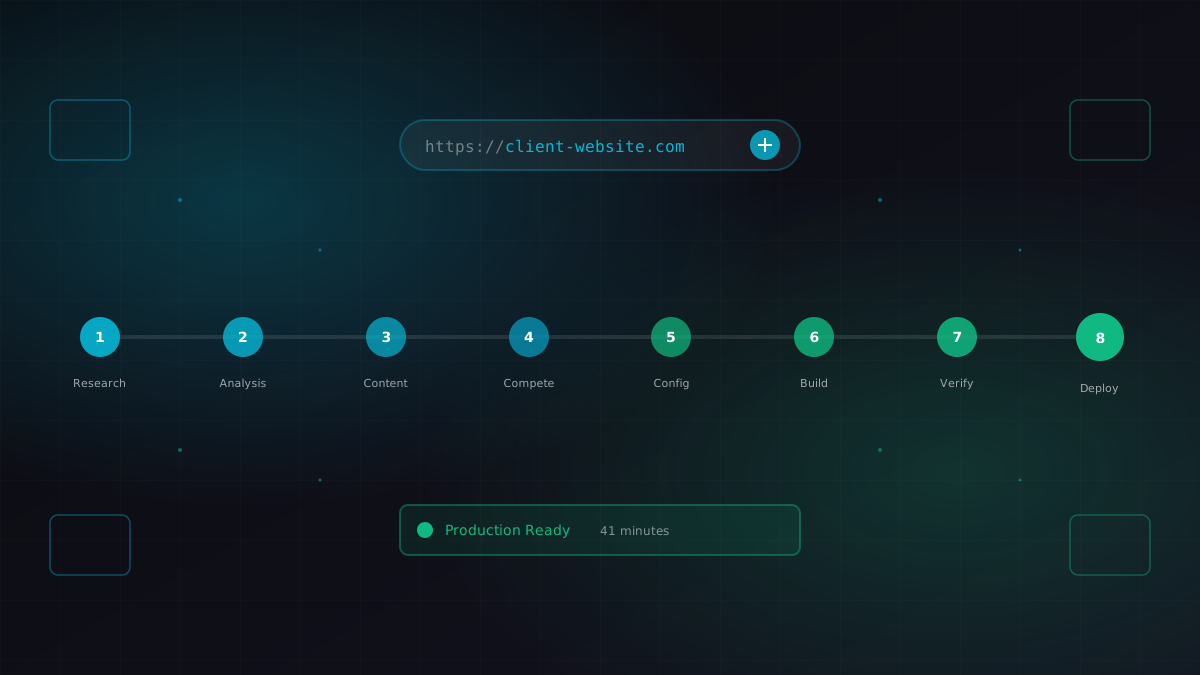
I gave Claude a business URL. It researched the company, scraped their content catalog, identified competitors, extracted brand colors, and generated a fully configured ContentEngine instance.
Use Case #3: Meeting Transcript to Code
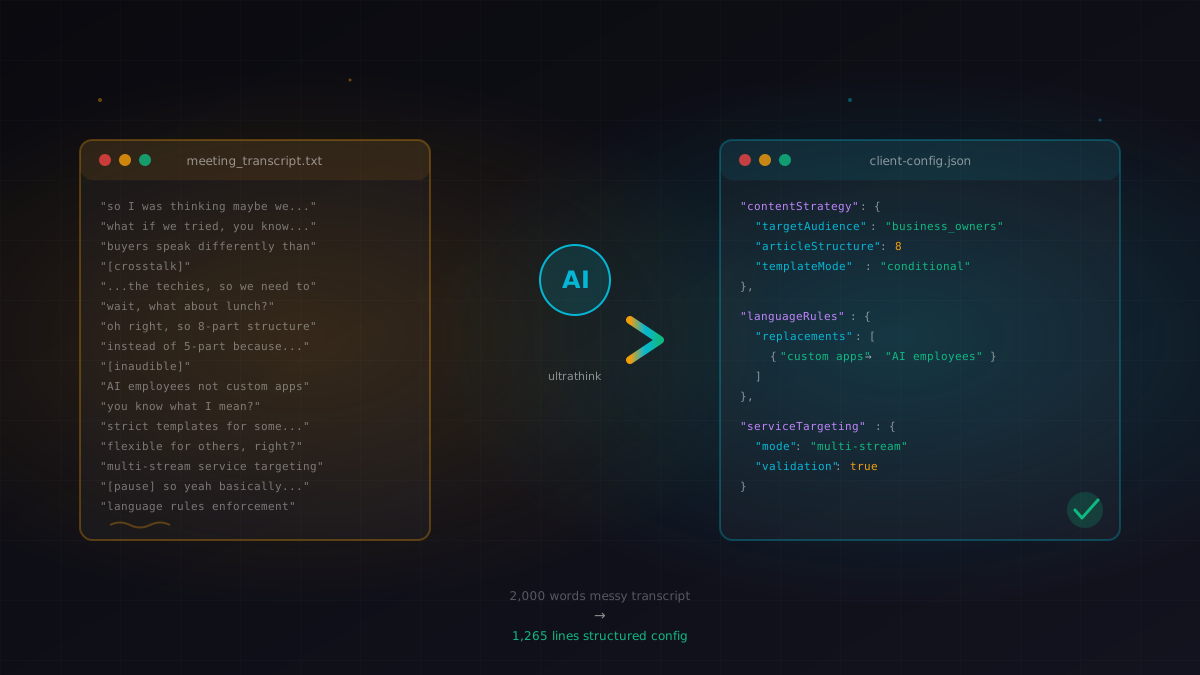
I pasted a 10-minute meeting transcript. Claude extracted the strategy, identified the technical requirements, and modified a 1,265-line config file with conditional content logic.