Use Case #10: Session Archiving to Obsidian
How I built a system that archives every Claude conversation to a searchable Obsidian vault.
William Welsh
Author
Use Case #10: Session Archiving to Obsidian
Claude doesn't remember between sessions. But I do.
Every conversation I have with Claude Code gets archived to Obsidian. 237 sessions. 8.6 MB of conversation. Fully searchable.
The Problem
I kept solving the same problems. Different projects, same patterns. But I couldn't remember the exact prompt that worked, or which session had that clever solution.
The Solution
The /archive-sessions command scans all Claude session files, extracts conversations and metadata, converts to Obsidian markdown, tags by project, date, branch, and links related sessions.
How I Use It
Pattern Mining. Search "how did I fix the TypeScript error" across all sessions. Find the one that worked.
Prompt Reuse. That perfect prompt for database migrations? It's in the archive. Copy, paste, adapt.
Learning Loops. Review old sessions. See what worked. See what didn't. Improve.
The Compound Effect
Session 1: Solved a problem. Session 50: Solved it faster because I found Session 1. Session 200: Built a system that solves it automatically.
Each session makes future sessions better. That's institutional memory.
Why Obsidian
Local-first (no cloud dependency). Markdown (future-proof). Graph view (see connections). Full-text search (find anything). Backlinks (discover related sessions).
The Real Value
Last week I searched "supabase RLS policies" in the vault. Found 12 sessions where I'd worked on that topic. One had the exact pattern I needed.
Time saved: 2 hours.
Across a year, with 500+ sessions? This is my second brain for coding.
Try It Yourself
Copy this to set up your own session archiving:
I want to archive my Claude Code sessions to Obsidian for searchable reference.

**Setup:**
1. Where is your Obsidian vault? (path or "I don't have one yet")
2. How should sessions be organized? (by date / by project / by topic)
3. What should be captured? (full conversations / user prompts only / summaries)

I will:
- Create an archive script that reads Claude session data
- Format sessions as markdown for Obsidian
- Add frontmatter with metadata (date, project, tags)
- Set up folder structure for organization
- Create an index file for navigation
- Optionally: set up auto-tagging based on content

Want me to build your archive system?
Archive system built December 2025. Growing daily.
William Welsh
Building AI-powered systems and sharing what I learn along the way. Founder at Tech Integration Labs.
Related Articles
View all →
Use Case #1: Autonomous Bug Fixing from Slack
One prompt. Zero babysitting. Claude read bug reports from Slack, traced the issues through my codebase, fixed them, deployed to production, and verified the fixes in a browser.
Use Case #2: Client Onboarding from URL
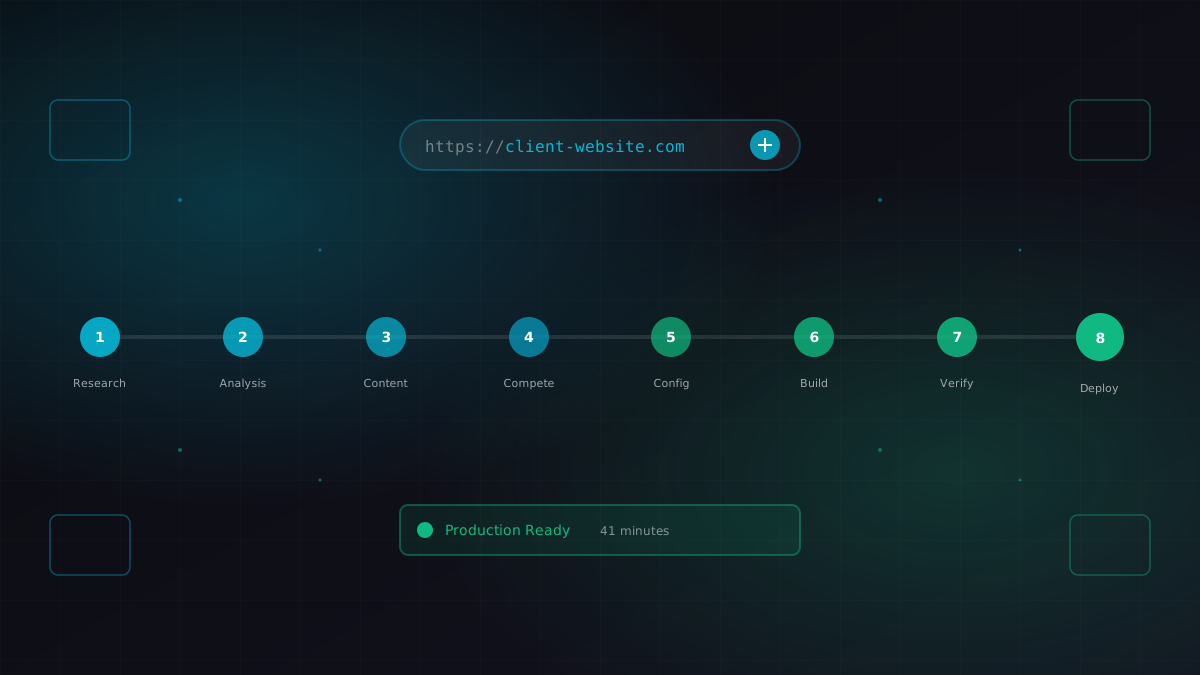
I gave Claude a business URL. It researched the company, scraped their content catalog, identified competitors, extracted brand colors, and generated a fully configured ContentEngine instance.
Use Case #3: Meeting Transcript to Code
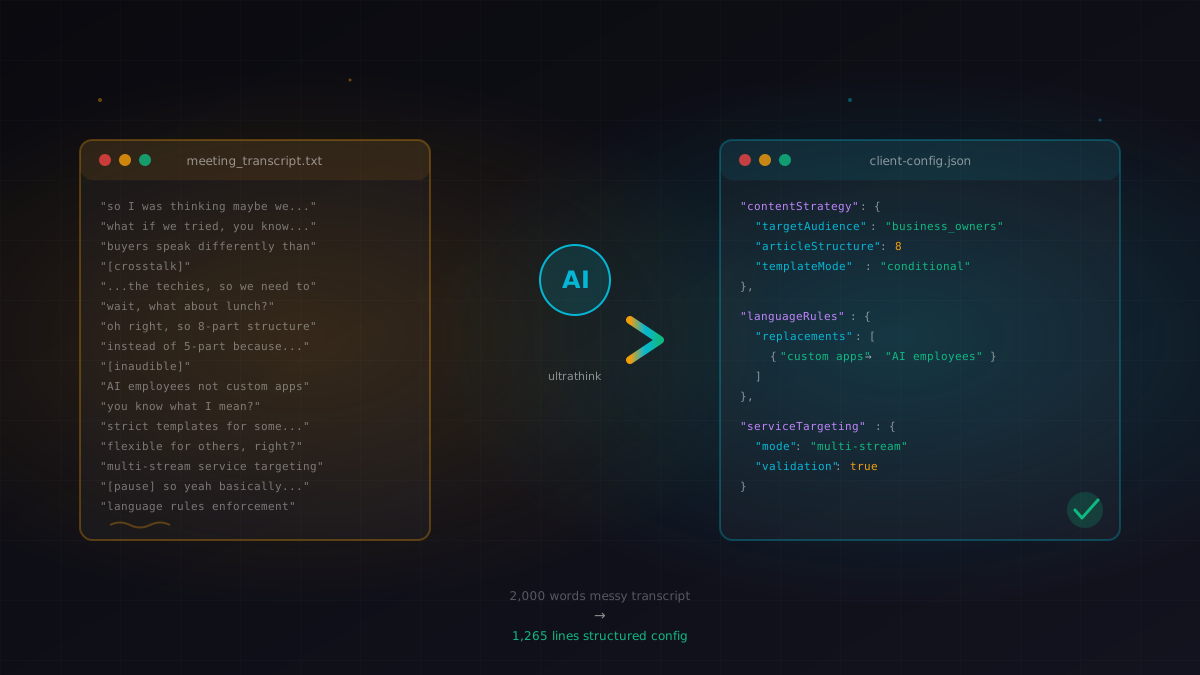
I pasted a 10-minute meeting transcript. Claude extracted the strategy, identified the technical requirements, and modified a 1,265-line config file with conditional content logic.