Use Case #17: TypeScript Error Marathon
Systematically resolving type errors while maintaining runtime behavior.
William Welsh
Author
Use Case #17: TypeScript Error Marathon
npm run build: 47 errors.
This was after upgrading dependencies. The new versions had stricter types. My loose code didn't pass anymore.
The Strategy
Claude approached this methodically:
Phase 1: Categorize - Group errors by type: missing properties (12), type mismatches (18), null/undefined issues (11), generic constraints (6).
Phase 2: Dependency Order - Some fixes depend on others. Fix the base types first, then the components that use them.
Phase 3: Batch and Verify - Fix 5-10 related errors. Run build. Verify error count decreased. Repeat.
The Execution
Batch 1 (Types) - Fixed 8 interface definitions. Error count: 47 → 31.
Batch 2 (Null Checks) - Added proper null handling. Error count: 31 → 20.
Batch 3 (Generics) - Fixed generic constraints. Error count: 20 → 14.
Batch 4 (Props) - Updated component props. Error count: 14 → 3.
Batch 5 (Edge Cases) - The weird ones. Error count: 3 → 0.
What Could Have Gone Wrong
Fixing TypeScript errors can change runtime behavior. Example: adding a null check might skip code that previously ran (and errored at runtime).
Claude verified each batch didn't change functionality. Not just "it compiles" but "it still works."
The Result
Clean build. All tests pass. Runtime behavior unchanged. Stricter type safety throughout.
The Pattern
For large TypeScript migrations: categorize first, fix in dependency order, batch and verify, don't assume compiling means working.
From an upgrade from React 18 to 19, January 2026.
William Welsh
Building AI-powered systems and sharing what I learn along the way. Founder at Tech Integration Labs.
Related Articles
View all →
Use Case #1: Autonomous Bug Fixing from Slack
One prompt. Zero babysitting. Claude read bug reports from Slack, traced the issues through my codebase, fixed them, deployed to production, and verified the fixes in a browser.
Use Case #2: Client Onboarding from URL
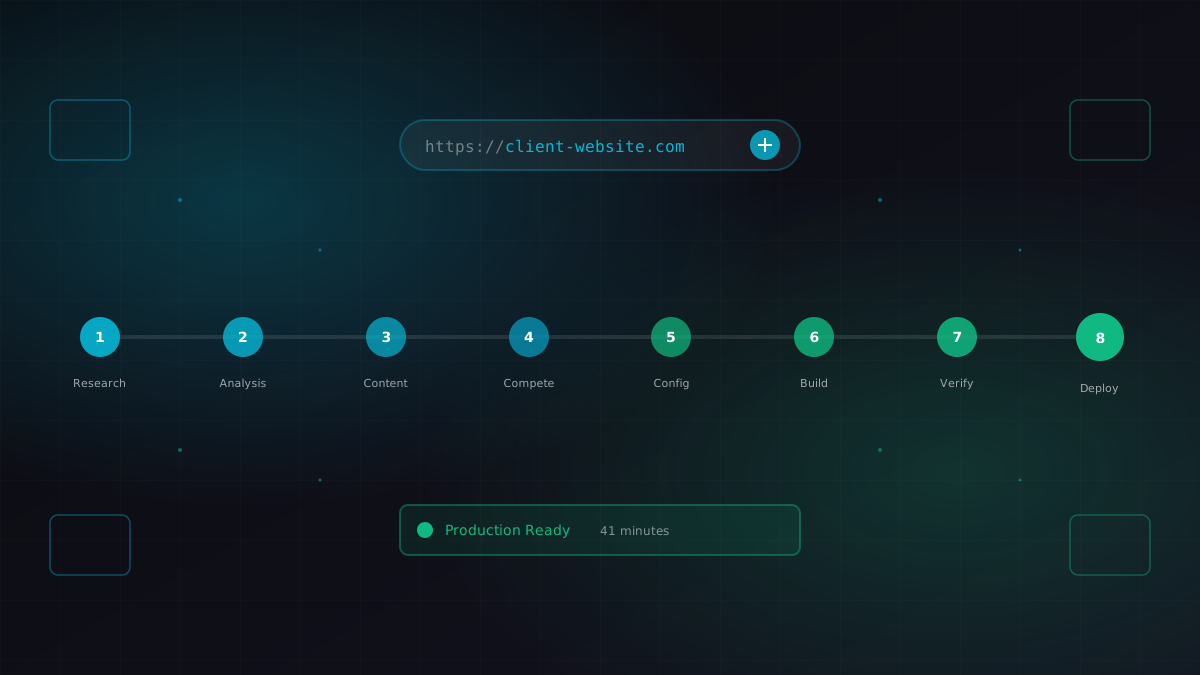
I gave Claude a business URL. It researched the company, scraped their content catalog, identified competitors, extracted brand colors, and generated a fully configured ContentEngine instance.
Use Case #3: Meeting Transcript to Code
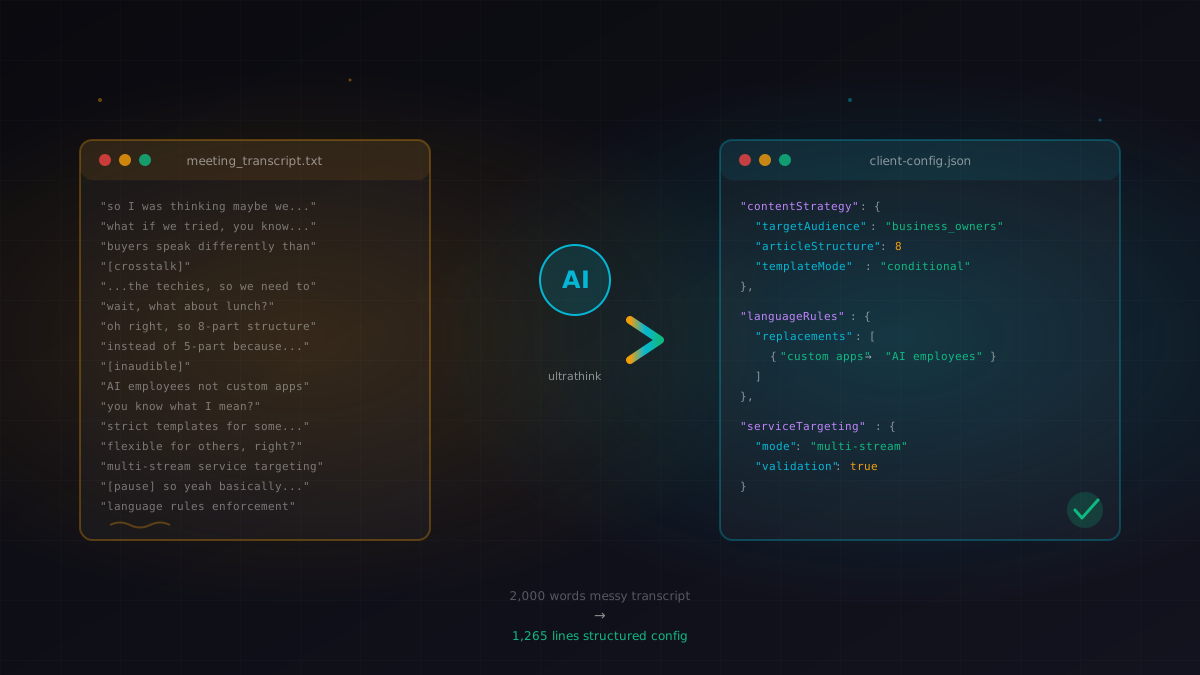
I pasted a 10-minute meeting transcript. Claude extracted the strategy, identified the technical requirements, and modified a 1,265-line config file with conditional content logic.